Gear Inventory

Packing List

Own Weight Carried

0g

Shared Weight Carried

0g

Backpack Base Weight

0g

Weight of Consumables

0g

Total Backpack Weight

0g

Weight Worn

0g

Total Weight

0g

Packing List Statistics

Packing List Items

0

Categories Used

0

Lightest Item

-

Heaviest Item

-

Packing List Items (Heaviest to Lightest)

Consumables Calculator

Smart trip calculator! Plan perfect hikes with precise estimates for water, food, and fuel needs based on your trip specifics.

Food Inventory

Preloaded with some of our normal backpacking goodies! Add more or delete, up to you.

Calorie Comparison:
Consumed: 0 kcal
Required: 0 kcal

Estimated Consumables

Water -
Food -
Fuel -
Total for Trip -
Total Weight -

How to Use HikeLite

Your complete guide to ultralight gear management

Getting Started

1

Import Your Gear

Create your Categories if you are starting from scratch and don't have a CSV/JSON file to import

Start by importing your existing gear inventory using the Import button. You can import from:

  • JSON files - Previous HikeLite exports
  • CSV files - Spreadsheet data (use the sample CSV as a template)
2

Add Missing Items

Use the Add Item button to add any gear not in your import file. Include:

  • Item name and category
  • Manufacturer and product details
  • Weight in grams
  • Mark consumable items
3

Build Your Pack

Switch to the Packing List tab and add items from your inventory. Adjust quantities and mark items as worn or shared.

Understanding Weight Calculations

Own Weight Carried

Items you carry personally in your pack (not shared, not worn)

Shared Weight Carried

Items shared with hiking partners (divided among group)

Backpack Base Weight

Own + Shared weight (your base pack weight)

Weight of Consumables

Food, fuel, and other items that get lighter as you use them

Total Backpack Weight

Base weight + consumables (everything in your pack)

Weight Worn

Items worn on your body (clothing, shoes, etc.)

Total Weight

Everything combined - your complete load

Example: Worn Weight Logic

If you have 2 pairs of socks (80g each) and mark one as worn:

  • Quantity: 2 (total pairs)
  • Own Weight Carried: 80g (1 pair in pack)
  • Weight Worn: 80g (1 pair worn)
  • Total: 160g (both pairs accounted for)

Key Features

Search & Filter

Find gear quickly by name, manufacturer, or category. Use the search box and category dropdown to narrow down your inventory.

Import/Export

Import from JSON or CSV files. Export your inventory and packing lists for backup or sharing with others.

PDF Export

Generate printable packing lists with weight summaries. Perfect for trip planning and sharing with hiking partners.

Unit Conversion

Switch between grams, ounces, and pounds. All weights update automatically when you change units.

Mobile Friendly

Works perfectly on phones and tablets. Use it in the field to check your pack weight and make adjustments.

Local Storage

All data saved in your browser. No accounts needed, works offline, and your data stays private.

Recommended Workflow

1. Import Existing Inventory

Load your gear database from previous exports or CSV files

2. Add New Items

Expand your inventory with new gear purchases

3. Export Updated Inventory

Save your complete gear database for backup

4. Build Packing List

Select items for your trip and adjust quantities

5. Optimize Weight

Use statistics to identify heavy categories and make adjustments

6. Export Packing List

Generate PDF for printing or share JSON with others

Pro Tips

Weigh Everything

Use a digital scale to get accurate weights. Even small items add up in ultralight hiking.

Use Categories

Organize gear by categories (Big 3, Clothing, etc.) to quickly find items and analyze weight distribution.

Track Shared Items

Mark shared gear to see your actual personal weight vs. group weight.

Worn Weight Strategy

Mark heavy clothing as worn to see your true base weight. This helps with ultralight goals.

Use Statistics

Check the Statistics tab to see which categories are heaviest in your current pack.

Regular Backups

Export your inventory regularly. Local storage can be cleared by browsers.

CSV Import Format

Your CSV file should have these columns (in any order):

name category manufacturer product weight quantity consumable
Sleeping Bag Big 3 Rab 2 Season half bag 620 1 false

Note: Use the provided sample-inventory.csv file as a template.

About HikeLite

Ultralight gear management for the modern backpacker

The Story Behind HikeLite

Hey there! I'm Richard, creator of HikeLite. I'm an avid backpacker with years of experience under my belt. In the past I've relied on scraps of paper, or more lately, online apps to keep track of my gear and pack weight.

Let me tell you, there are some amazing online tools out there. I've tried most of them myself. But as I get older and focus more on reducing pack weight, I realize that none of the existing solutions quite fit what I am looking for. So, I decided to create something for myself that would fill what I perceived as a gap.

Hence, I wrote this for me. It works for me and it fits what I want out of a backpacking gear list management system. If you find it useful, that's awesome too!

If you can't wait to get going, then skip this intro page and head straight to the Gear List which provides for all your gear and packing list management. You may also find the How to Use section some assistance.

2 people sat on a glacier with very large packs

Wish I'd known about the lightweight gear revolution way back in 2006!

Highlights

Open Source

Free to use, fork or share

No Registration

No account registration required

Local Storage

Saved locally, no cloud required

Import/Export

JSON import and export support

PDF Export

Export trip packing lists as PDF

Consumables

Calculate Water, Fuel and Food needs

Share with Friends

Easy sharing and collaboration

Privacy First

No cookies or tracking

Features

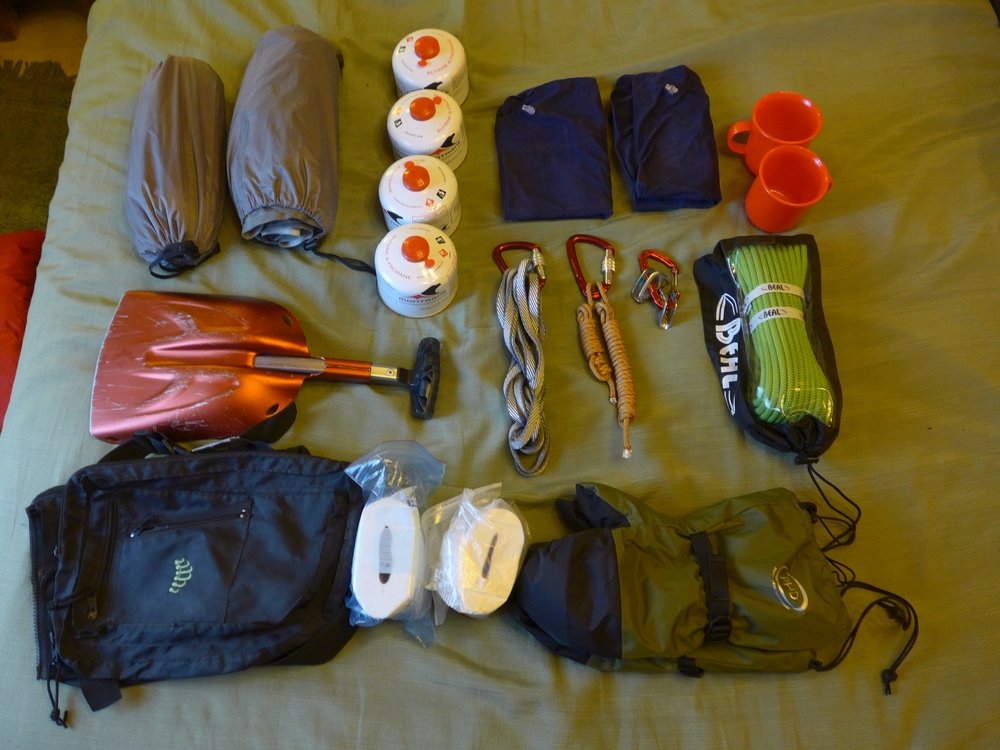
Some mountaineering items laid out on the bed

Gear Inventory Management

Keep track of all your gear without losing your mind (or your tent stakes). Add details like weight, brand, whatever floats your pack. You can sort everything into categories so it's not just one big gear pile.

Smart Packing Lists

Forget the copy-paste chaos. Quickly build packing lists by grabbing stuff from your inventory. Try out different setups without unpacking your whole living room floor.

Weight Analysis

Wondering why your pack feels like a small boulder? Get a clear breakdown of where the weight's coming from—by category—so you can trim the fat (or at least know what's weighing you down).

Export & Share

Need to show off your ultralight setup or coordinate with a hiking buddy? Every list has a downloadable PDF you can send to whoever — no public posting required.

Philosophy

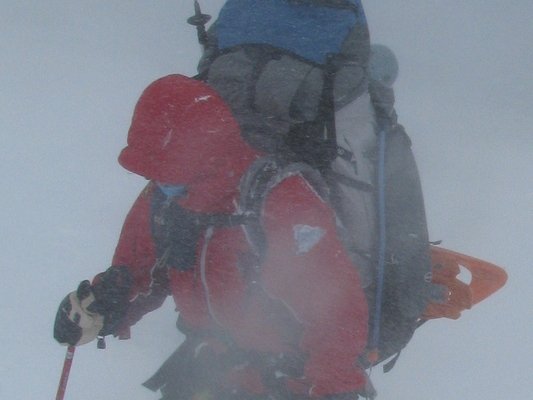
"Your buddy battling through a blizzard with a 25kg pack will really appreciate a copy of your lightweight kit list"

A person with massive pack in a blizzard

HikeLite is built on the principle that gear management should be simple, private, and focused on what matters most to backpackers: reducing weight while maintaining safety and comfort. No unnecessary complexity, no data collection, no accounts to manage.

Whether you're a weekend warrior or a thru-hiker, HikeLite adapts to your needs. It's designed to grow with your gear collection and evolve with your hiking style.

Get in Touch

Have questions, suggestions, or just want to share your ultralight setup? I'd love to hear from you!

hikelite [at] tuta.io

Technical Details

This application is built with modern web technologies:

  • Frontend: HTML5, CSS3, JavaScript
  • Storage: Browser Local Storage (no server required)
  • Design: Mobile-first responsive design
  • Privacy: No tracking, no analytics, no cookies

Source Code: github.com/spanishhighs/hikelite

Privacy & Speed: This application complies with GDPR by not collecting any personal information, and with the EU Cookie Directive by not using cookies. NO TRACKERS, NO ADS, NO ANALYTICS!